pasteup / 01
Start
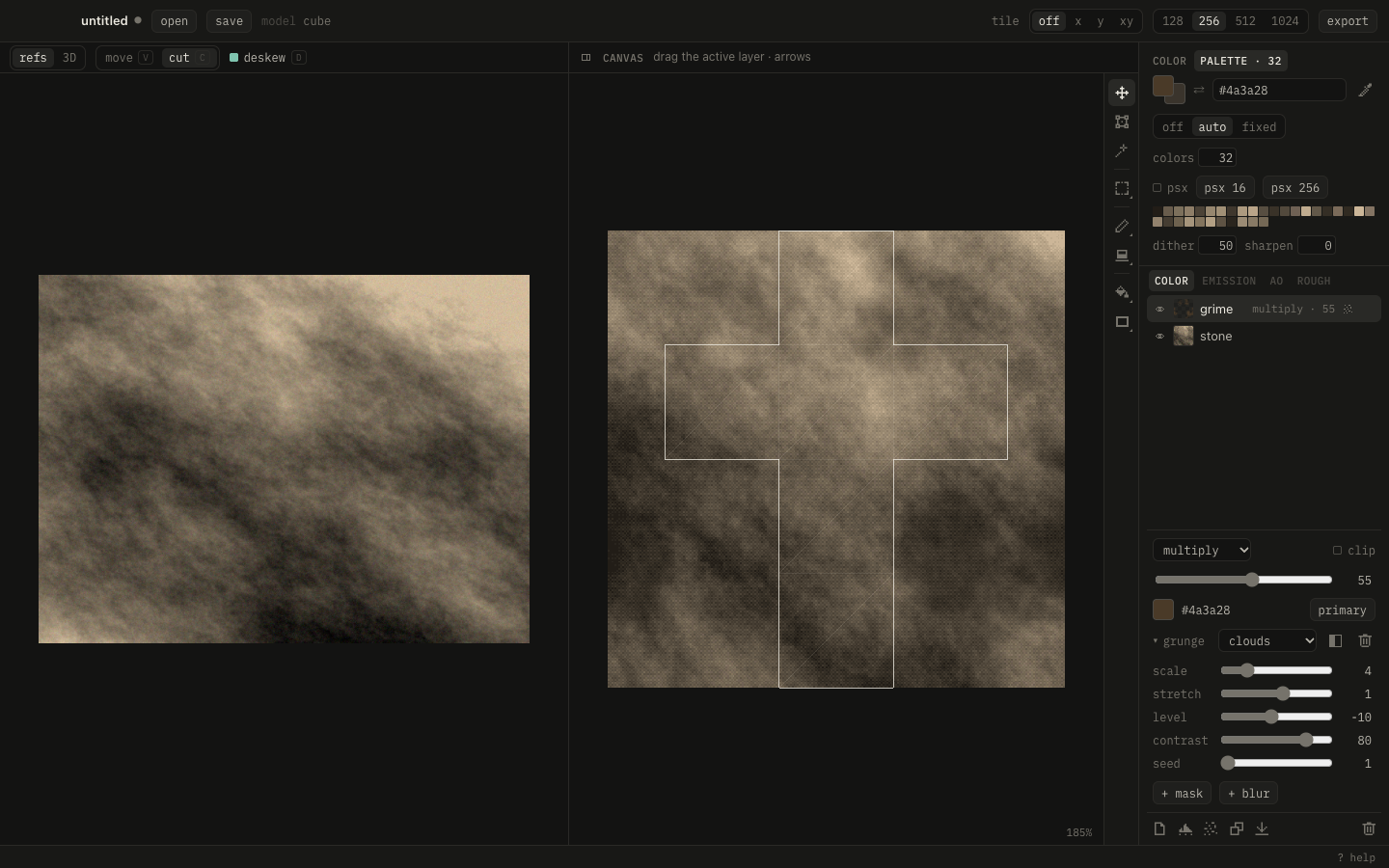
- ⌘O a GLB, or send objects from Blender with the add-on.
- Drop photos left, C cut a piece, Enter places it.
- T fit it onto its island. Paint, fill, add grunge.
- Palette tab: pick a palette, dither.
- ⌘S save. ⌘⇧E export. With Blender connected, it's already there.
? shows every key.
Tools
| Key | ||
|---|---|---|
| V | move the layer | |
| T | scale, turn, flip | |
| I | clip the layer to an island | |
| M | select, ⇧M lasso | |
| B | brush, right button: second color | |
| E | eraser | |
| G | fill, ⇧G gradient | |
| U | shapes, L line |
⌥ click picks a color. Q paints the layer's mask. Esc drops a selection.